NOTEPAD + MARKDOWN, FOR MACOS

The classic notepad, with Markdown when you want it.

One window. No fonts, no sizes, no split view. Just plain text that styles itself as you type.

Download for macOS
macOS 15+
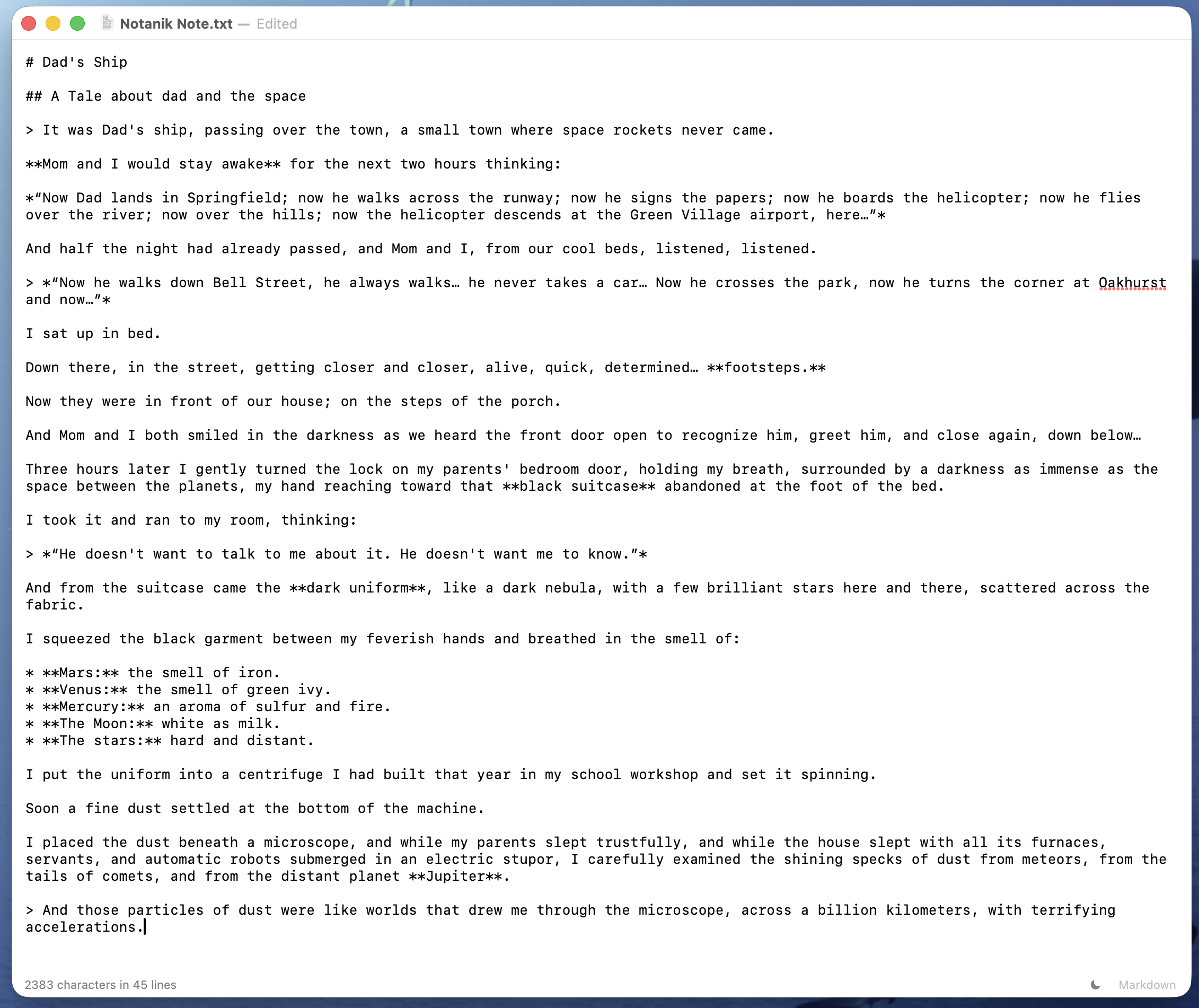
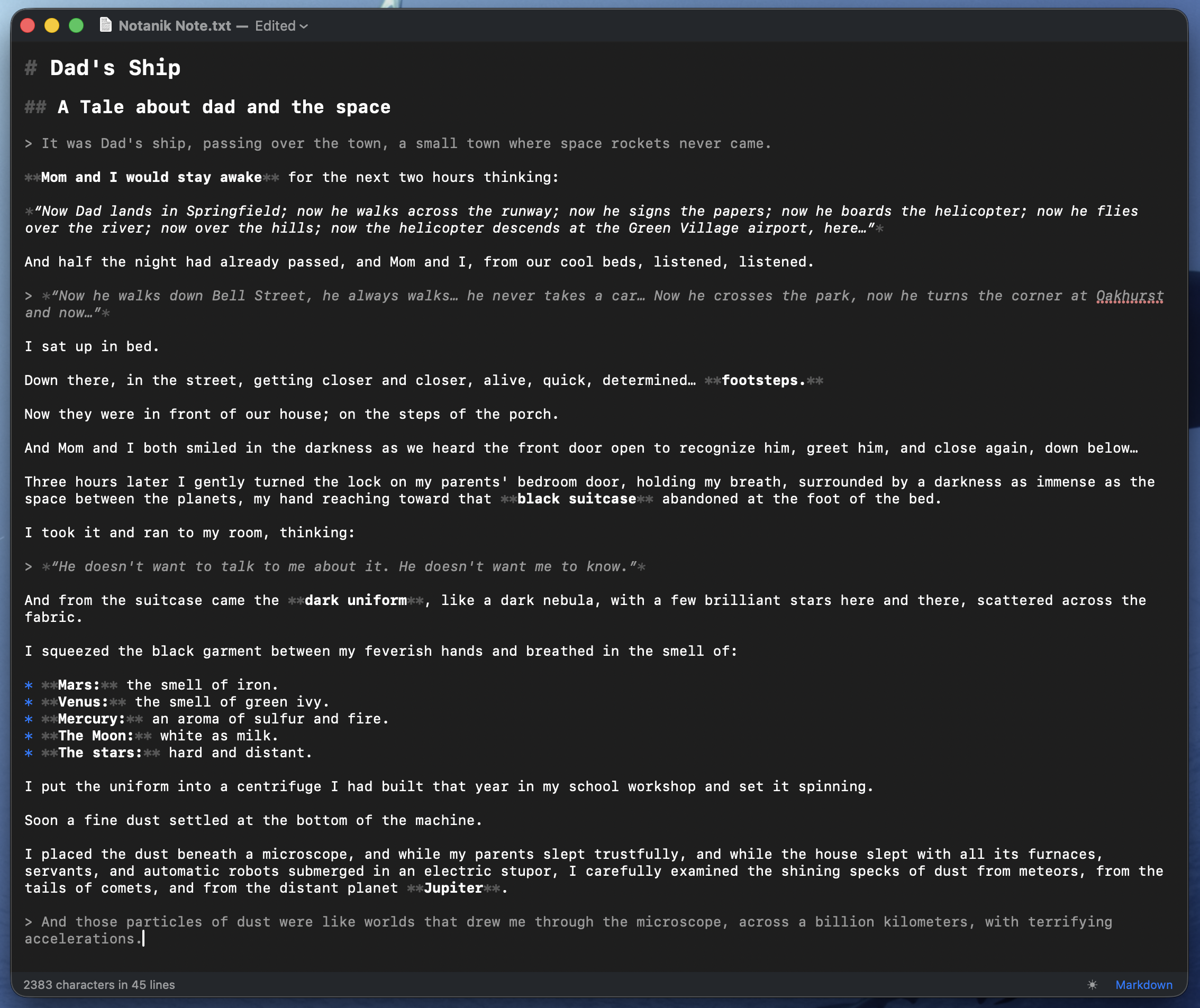
Markdown highlighting: paint over your plain text.
Notanik showing a note with Markdown highlighting The same note as raw plain text
WHY NOTANIK

Clean and powerful. Nothing else.

01
Plain text, always
Your notes stay plain text, always. Markdown highlighting is paint over the raw characters: it never touches your file, and it switches off whenever you want.
02
No silent edits
Smart quotes, autocorrect and text replacement are off by default, because they quietly break JSON, YAML and code. Spell check stays on: it underlines, it never edits.
03
Export anywhere
Export to PDF or HTML, or copy as rich text to paste straight into Mail, Pages or Word. The HTML is self-contained and loads nothing from the internet. Print either the raw text or the formatted document.
04
Encodings respected
Notanik opens UTF-8, UTF-16 and Windows-1252, and keeps the original encoding and line endings when it saves. Old files come back exactly as they were.
05
Calm by default
Autosave in place, with macOS versions and Revert To. A dark mode you pick yourself. One window, one file.
Nothing you write leaves your Mac.
No account, no cloud, no subscription.
DARK MODE INCLUDED

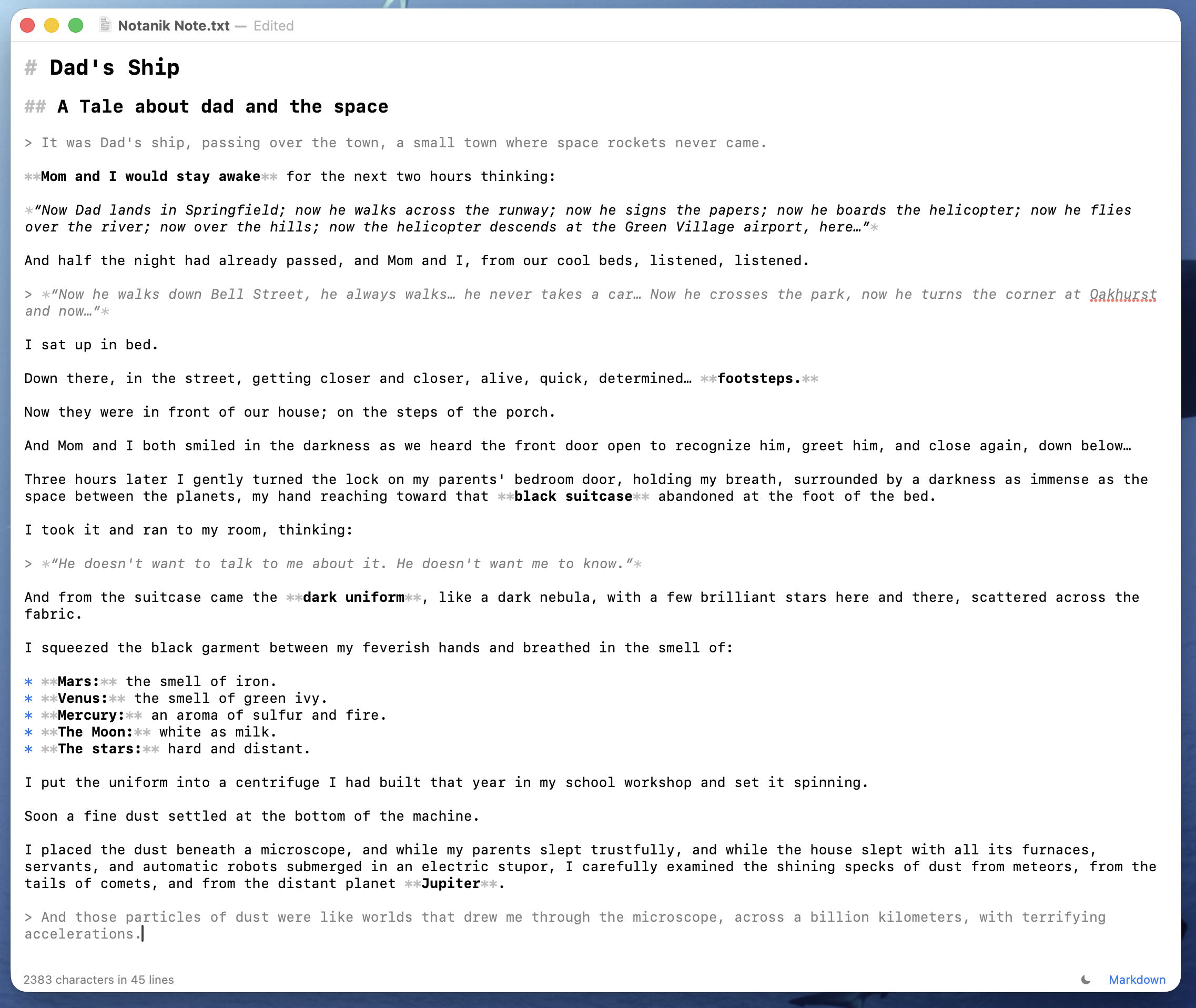
Easy on the eyes, day or night.

A quiet dark theme you pick yourself — it never switches behind your back.

Notanik in dark mode
PRIVACY

We collect nothing.

Notanik has no analytics and no telemetry. We don’t collect usage data or personal data — there is simply nothing to collect, sell or leak.

SUPPORT

Need a hand?

Questions, bugs or ideas — write to us and we’ll get back to you.