FOR QUICK NOTES

A notepad that leaves your words alone.

One window, one note, one font. Nothing to tidy, nothing to pick — open it, write, close it.

Download
$2.99 · Pay once · macOS 15+
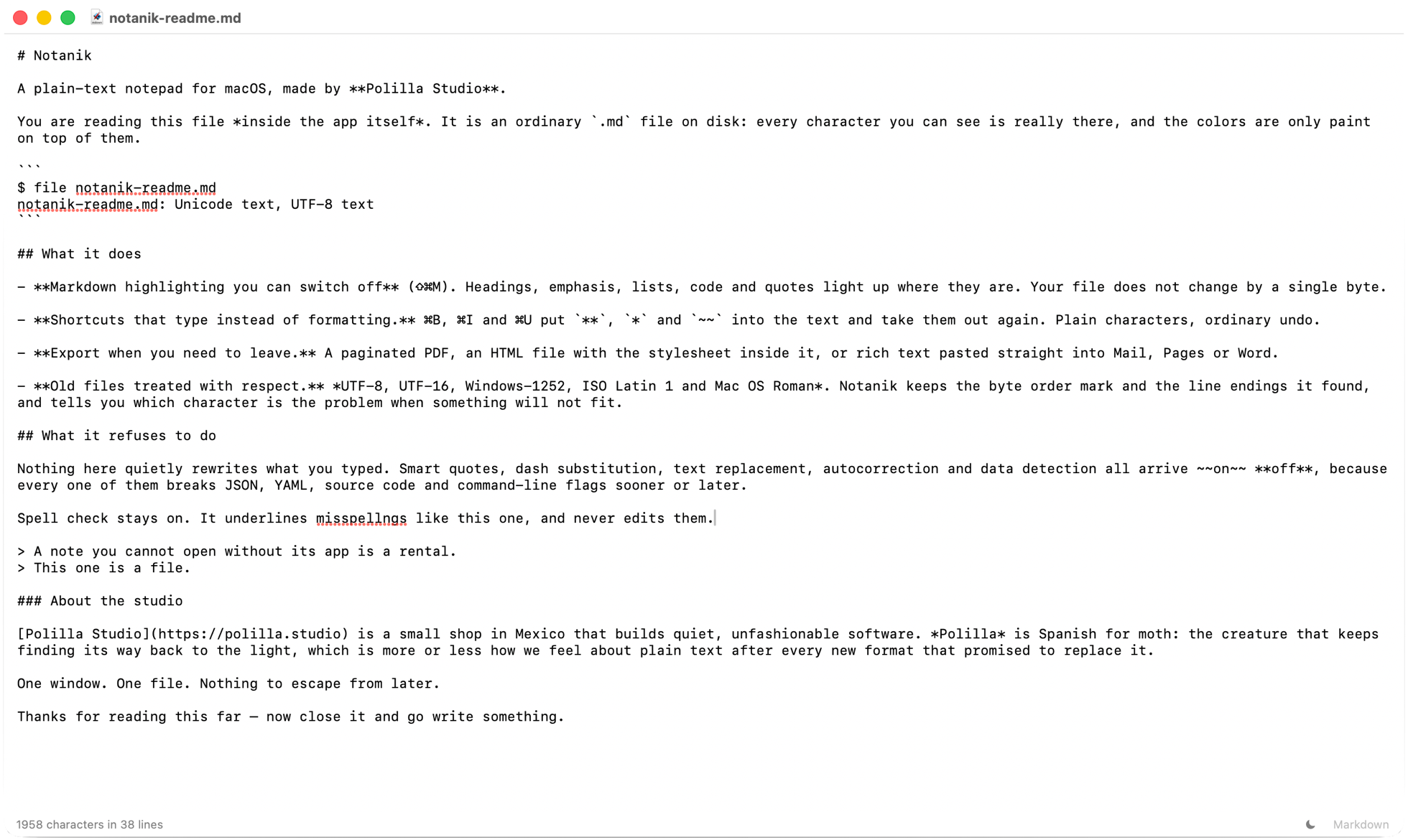
A Notanik window in light mode: a page of plain text in one typeface, with the character and line count in the bar at the bottom
JUST A NOTEPAD

A short list, on purpose.

01
Your words, exactly as you typed them
Your note is an ordinary text file, and nothing rewrites what you type behind your back. Nothing gets “corrected” for you: a straight quote stays straight, two hyphens stay two hyphens, and the words you paste come back exactly as they were, just without the formatting. Spell check stays on — it underlines, it never edits, and you can switch it off from the Edit menu if you’d rather.
02
One window, one note
No sidebar, no list of notes, no tabs — the window is your note, and little else. ⌘N opens another when you need one. A quiet count at the bottom tells you how many characters and lines you’ve written, or how many you’ve selected.
03
It saves itself
Once you’ve saved a note, Notanik keeps saving it as you write. A brand-new note asks whether to save or discard it when you close the window — that choice stays yours. Each time you save with ⌘S, your Mac also keeps a version. If you change your mind later, Revert To in the File menu takes you back to the version you opened, or lets you browse the earlier ones and pick. And when you open Notanik again, your windows come back where they were.
04
Find it, change it everywhere
⌘F opens a find bar right above your note, and ⌥⌘F finds and replaces. To change a word you used many times, press ⇧⌘L with the cursor in it — every copy is selected, and typing the new word changes them all at once. It matches whole words and respects capitals, so cat leaves catalog and Cat alone.
05
Print it, or make a PDF
⌘P prints your note. When you print, your Mac also offers “Save as PDF”, so any note can become a PDF when you need to send one.
06
Old notes open as they were
A note you wrote years ago opens as you left it, and saves back the same way. If an old note can’t hold something you type — an emoji, usually — Notanik points it out once and asks whether to update the note so it can, or leave it as it is.
There is Markdown in here too, for the day you want it — a .txt note opens with it off, and you can ignore it.
SAME APP

One notepad. $2.99, paid once.

No account, no cloud, no subscription, and the app collects nothing. This is the same Notanik as the Markdown page: one download, both ways to write.