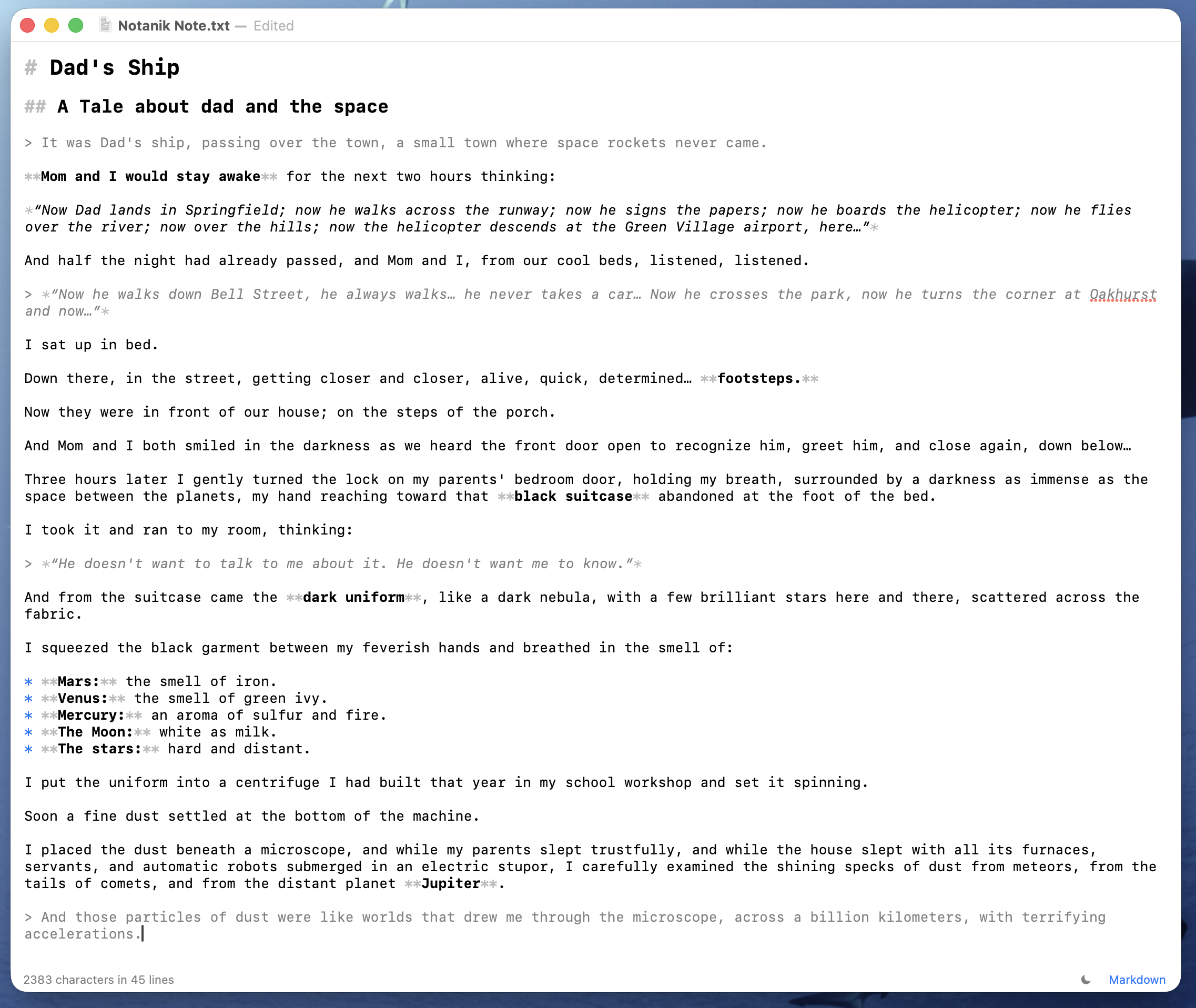
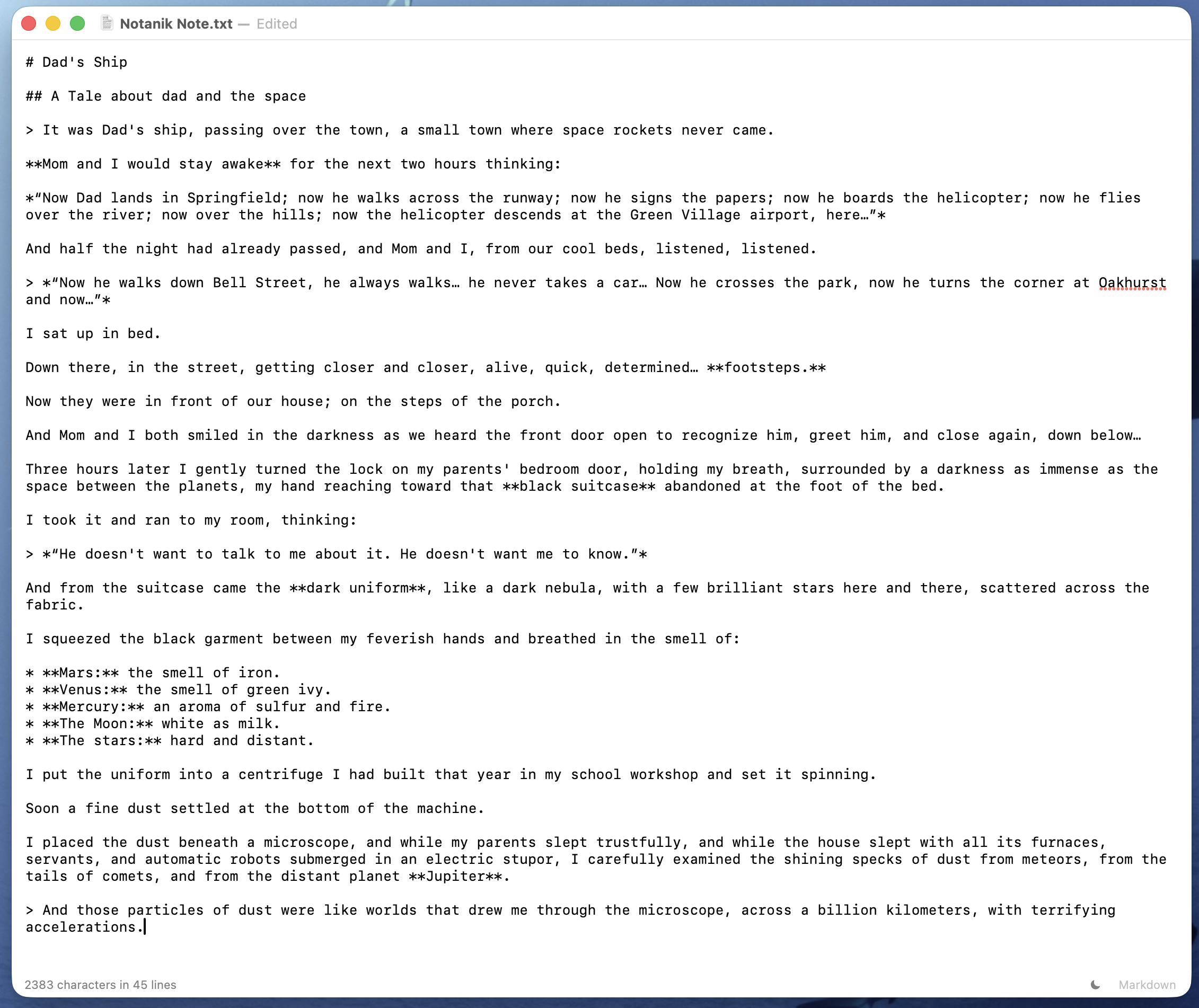
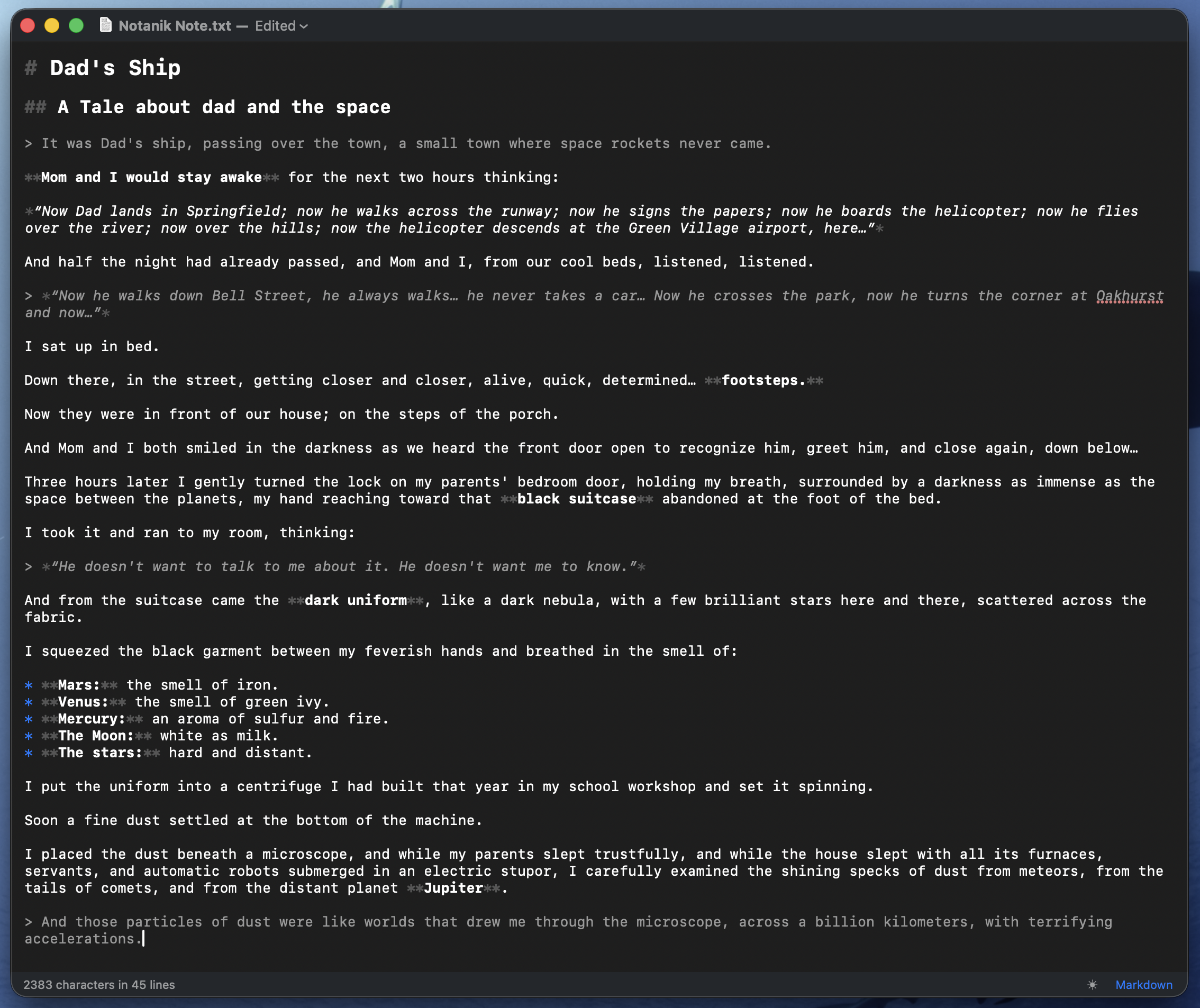
Your notes are plain text and nothing else — no hidden formatting, no fonts to pick, one typeface, one size. Markdown highlighting is paint over the characters: the file is identical with it on or off, and it switches off whenever you want.
02
Nothing changes behind your back
Quotes stay straight, two hyphens stay two hyphens, and a web address stays plain text. Autocorrect is off. What you paste comes back word for word, minus any formatting. Spell check stays on: it underlines, it never edits.
With Markdown highlighting on (⇧⌘M), export to PDF or to a web page, or copy as rich text and paste straight into Mail, Pages or Word — the formatting comes along. Print gives you what you see: your text as you typed it with highlighting off, the formatted document with it on. And since printing on a Mac can always save a PDF, a plain note can become one too.
A new note asks whether to save it when you close it. A file you have saved once keeps saving itself, and you can go back to an earlier version when you need to. Old files open and save exactly as they were. A dark theme you switch yourself. One window, one file.
Nothing you write leaves your Mac unless you send it somewhere yourself.
No account, no cloud, no subscription.
UTF-8 and Windows-1252 detected·
UTF-16 detected by its BOM·
ISO Latin 1 and Mac OS Roman on request·
Encoding, BOM and line endings kept·
New files are UTF-8·
Smart quotes, dashes and autocorrect off·
Text replacement and link detection off·
SF Mono·
⌘F find, ⌥⌘F find and replace·
⌘D / ⇧⌘L select next or all occurrences, whole word, case-sensitive·
Export to PDF and single-file HTML·
macOS 15+