FOR MARKDOWN
See your Markdown without a preview pane.
The markers stay put, still yours to edit, and the file is the same with highlighting on or off.
Download$2.99 · Pay once · macOS 15+
Markdown highlighting: paint over your plain text.
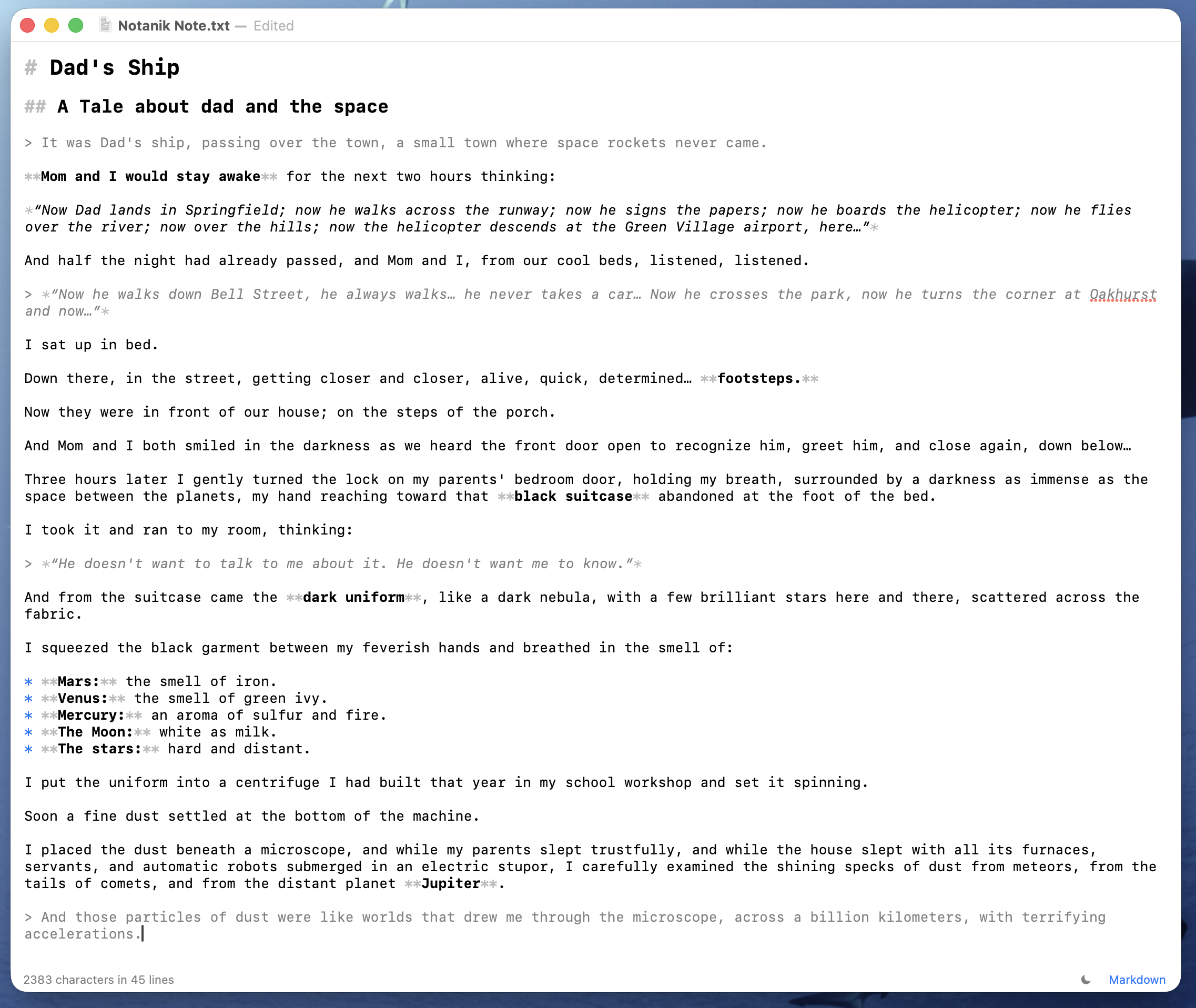
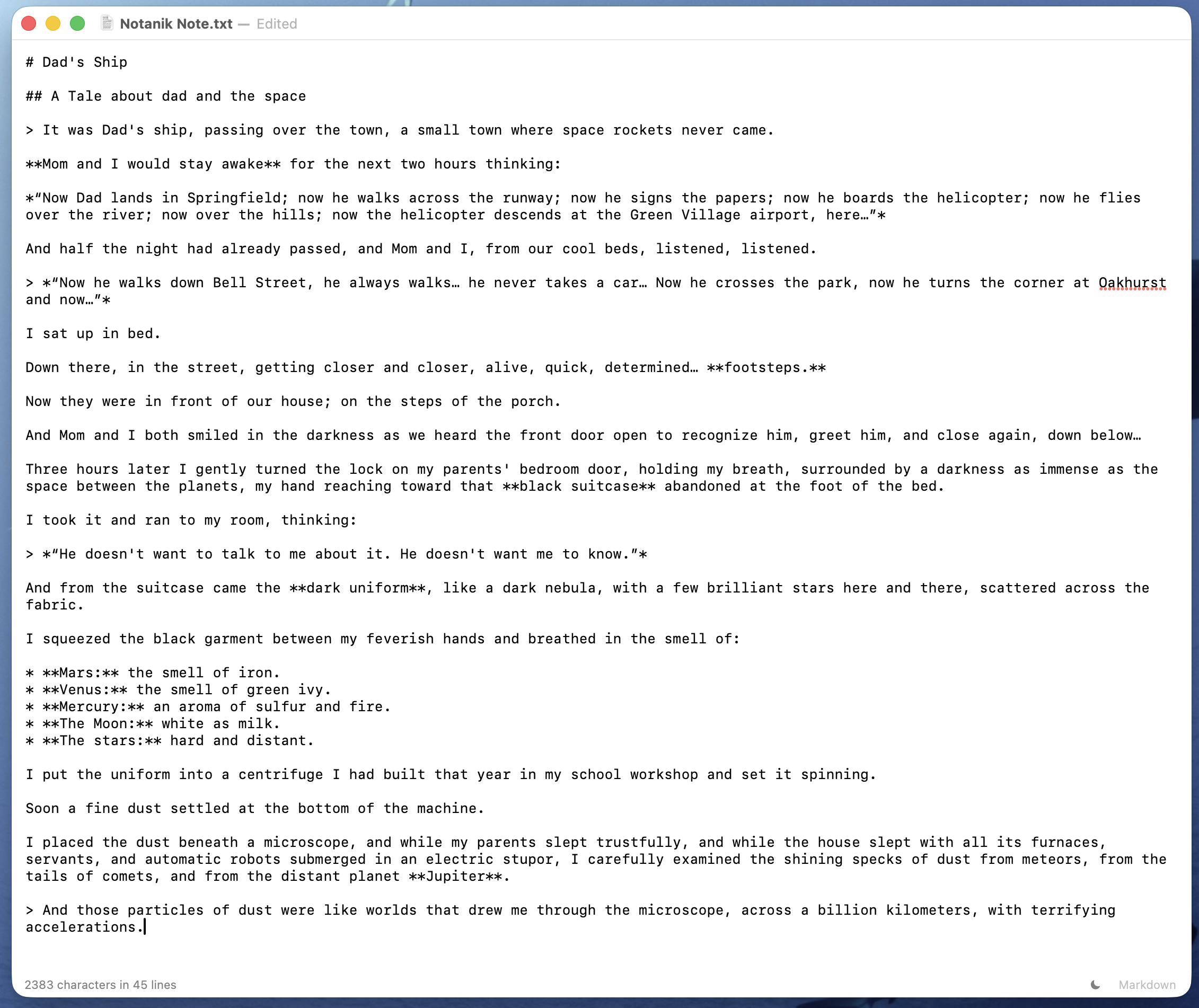
The markers stay put, still yours to edit, and the file is the same with highlighting on or off.
Download
Everything here except printing needs highlighting on. File ▸ Export gives you a PDF in pages, or one HTML file with its styling built in. Copy as Rich Text (⌥⌘C), then paste into Mail, Pages or Word and the formatting arrives; paste into a plain text field and you get the raw Markdown. ⌘P prints what you see, formatted or raw.
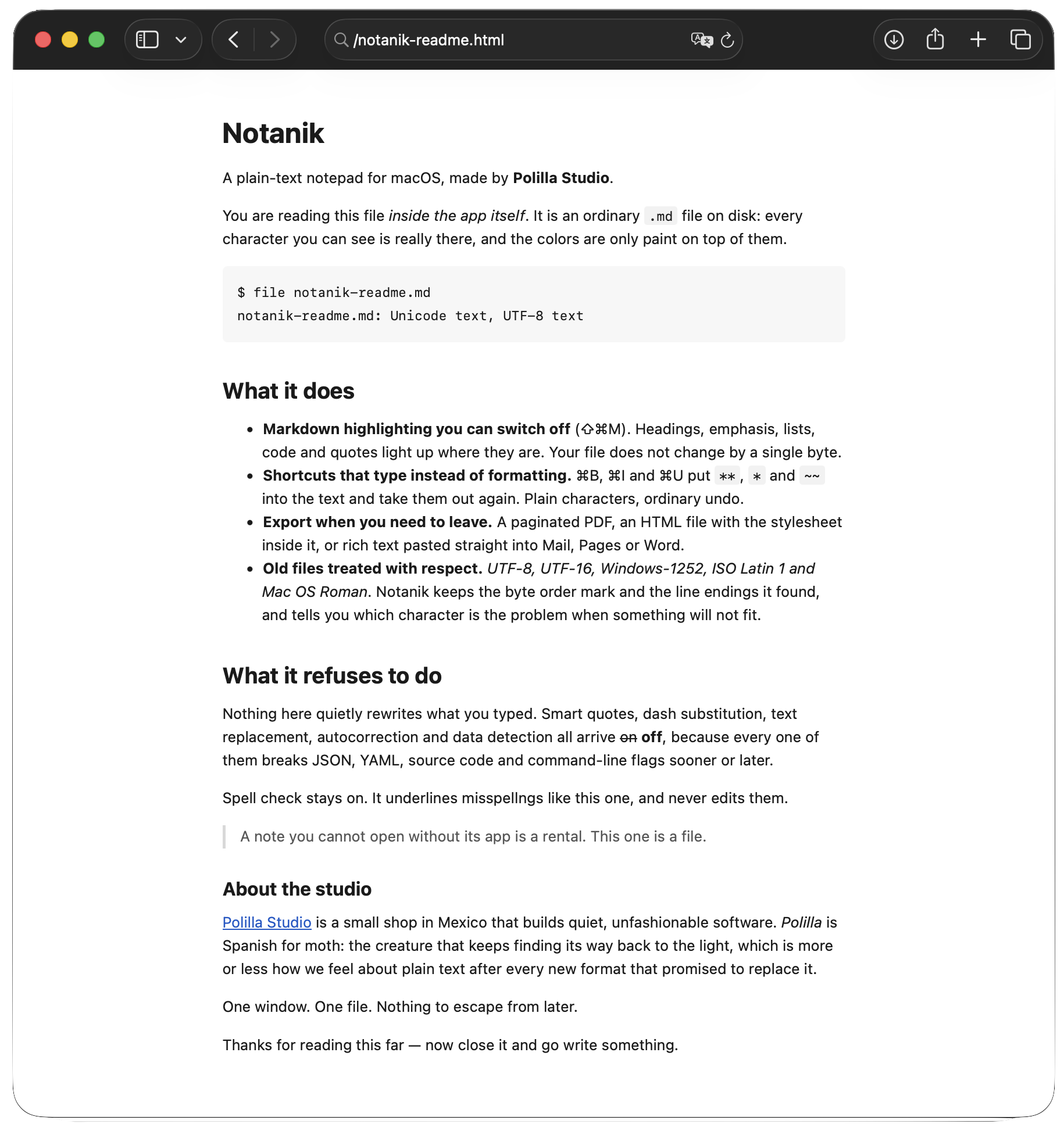
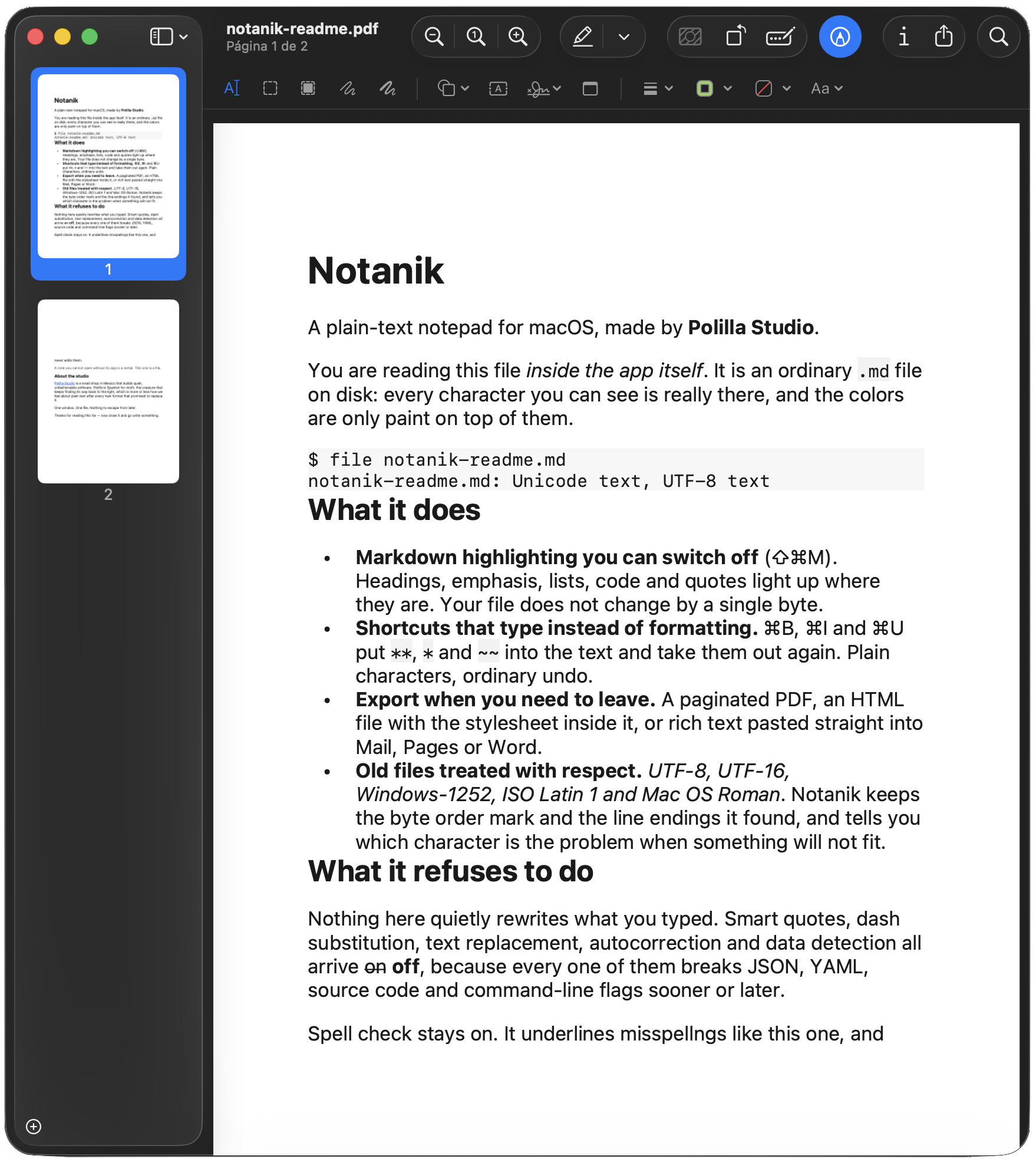
No account, no cloud, no subscription, and the app collects nothing. This is the same Notanik as the notes page: one download, both ways to write.